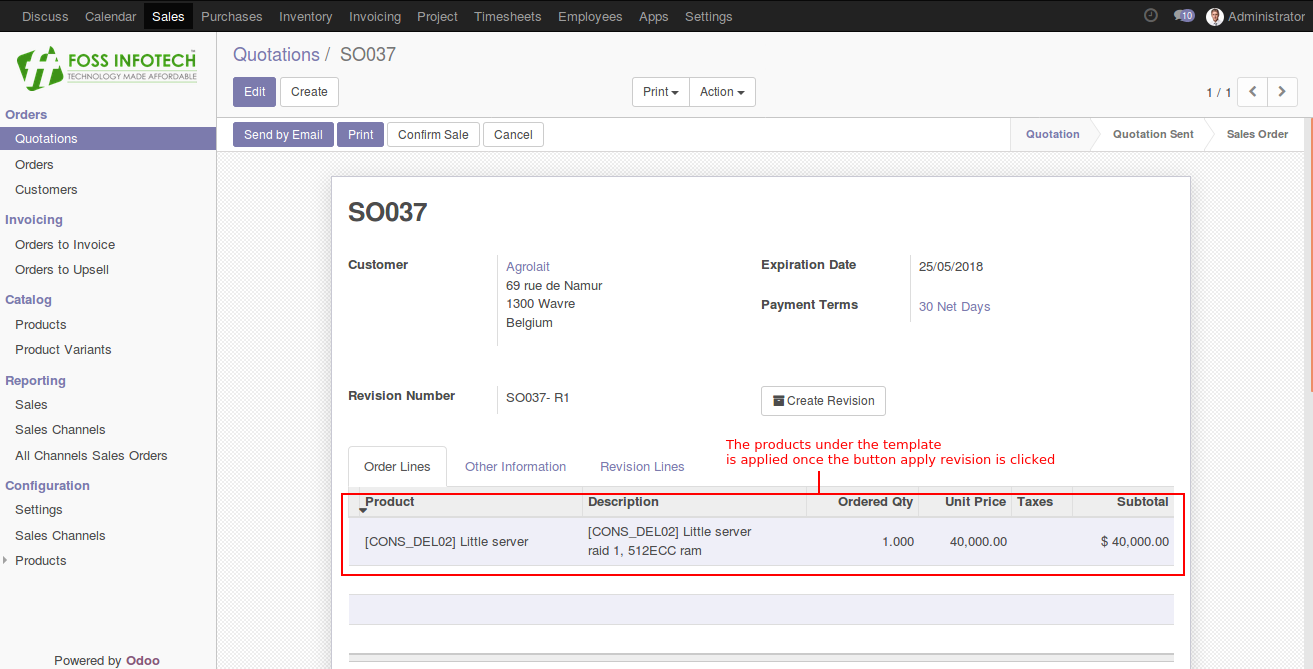

Create Sale Order and Make it as a Revision
Step 1: Creating a new sale order, displays the create revision button.
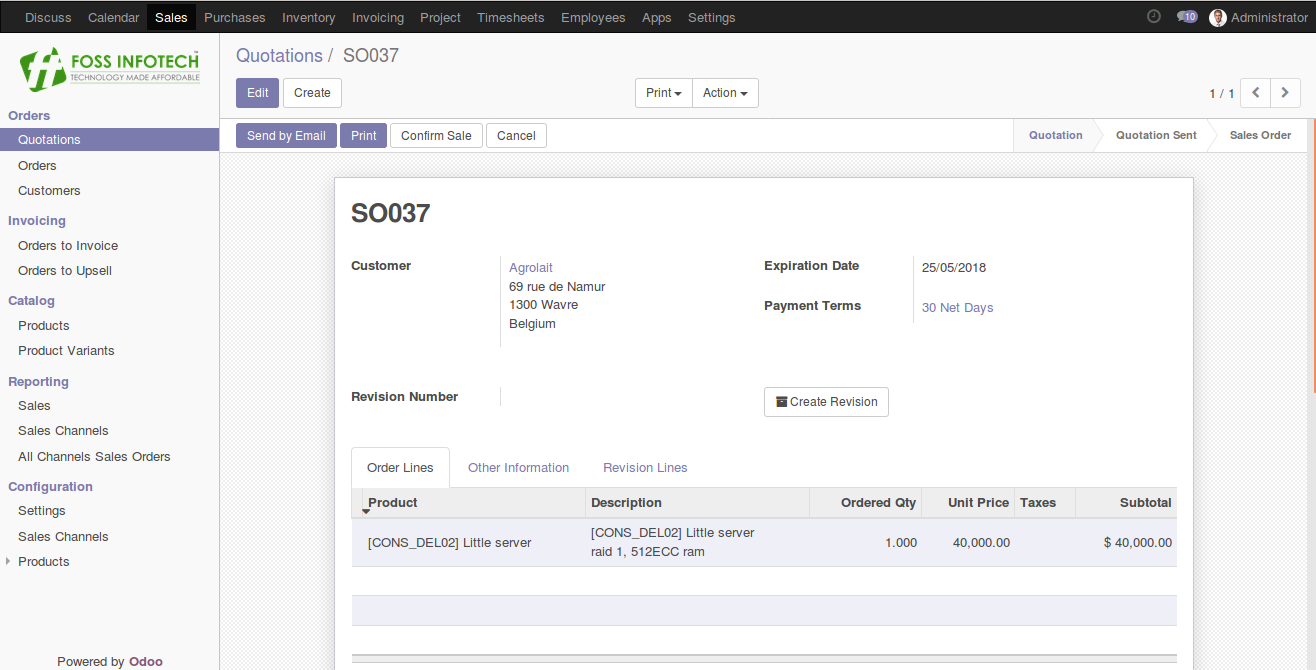
Step 2: After choosing the products, click on the create revision button.
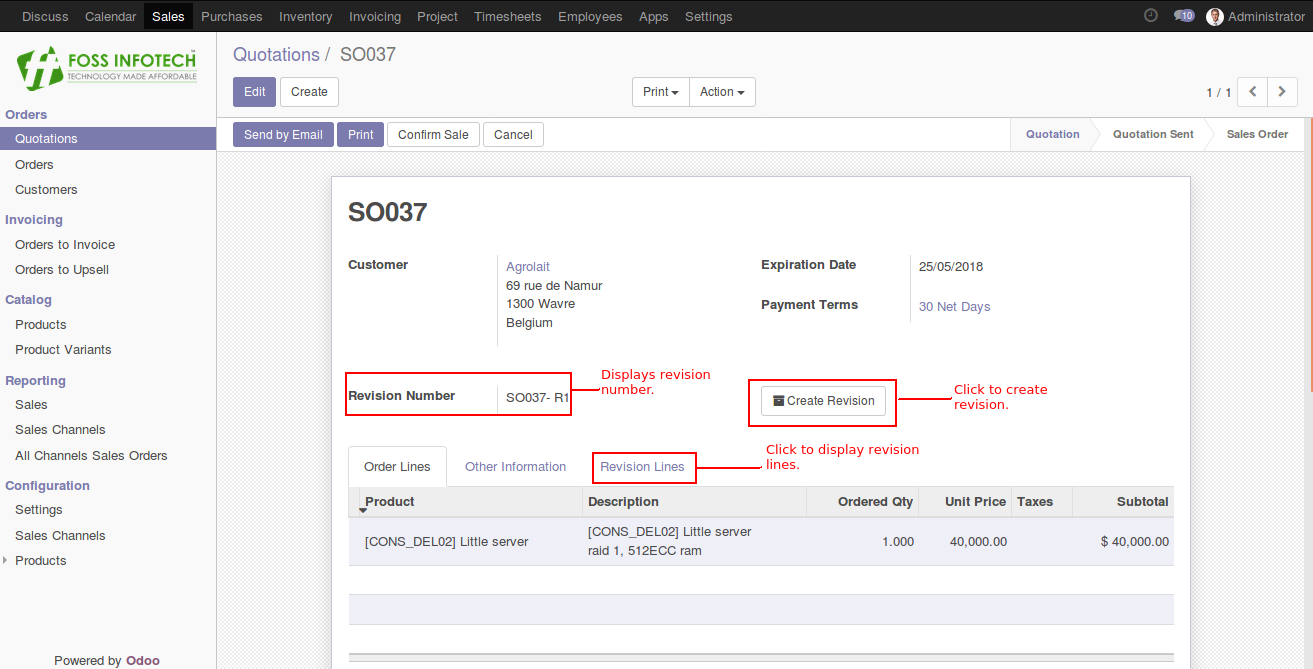
Step 3: A new sales revision will be created in the menu and a serial number will be generated.
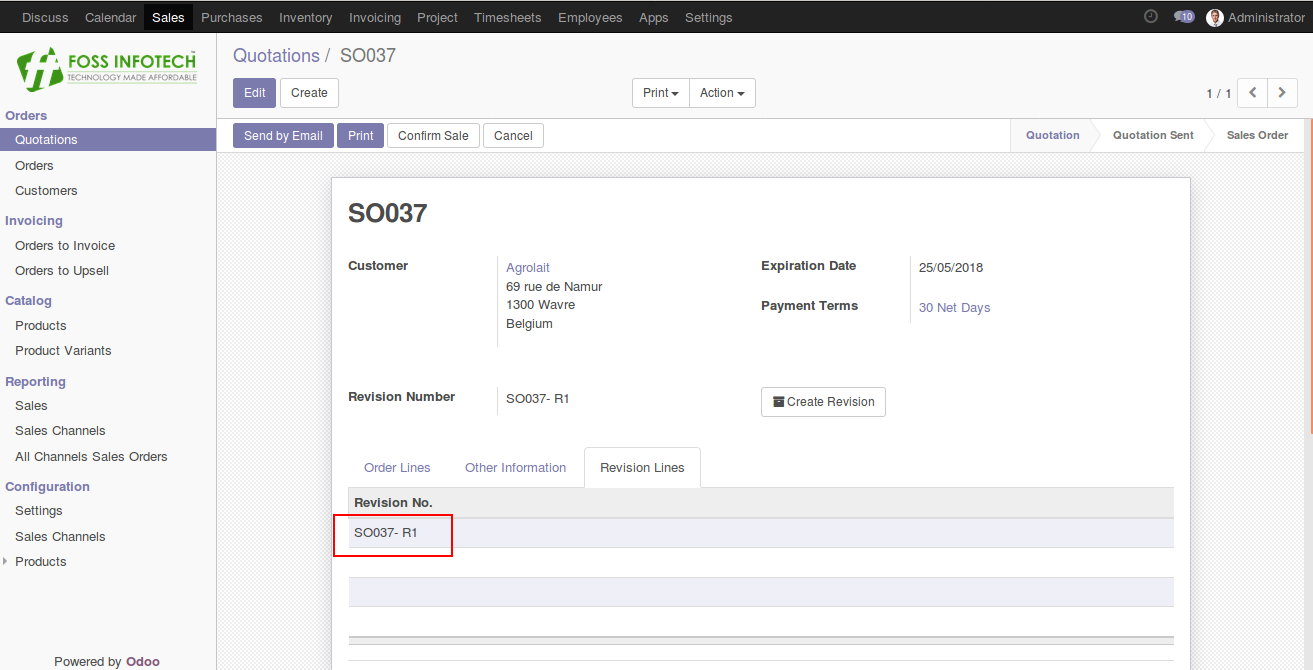
Step 4: After clicking the revision number, It will displays the list of products under the menu.
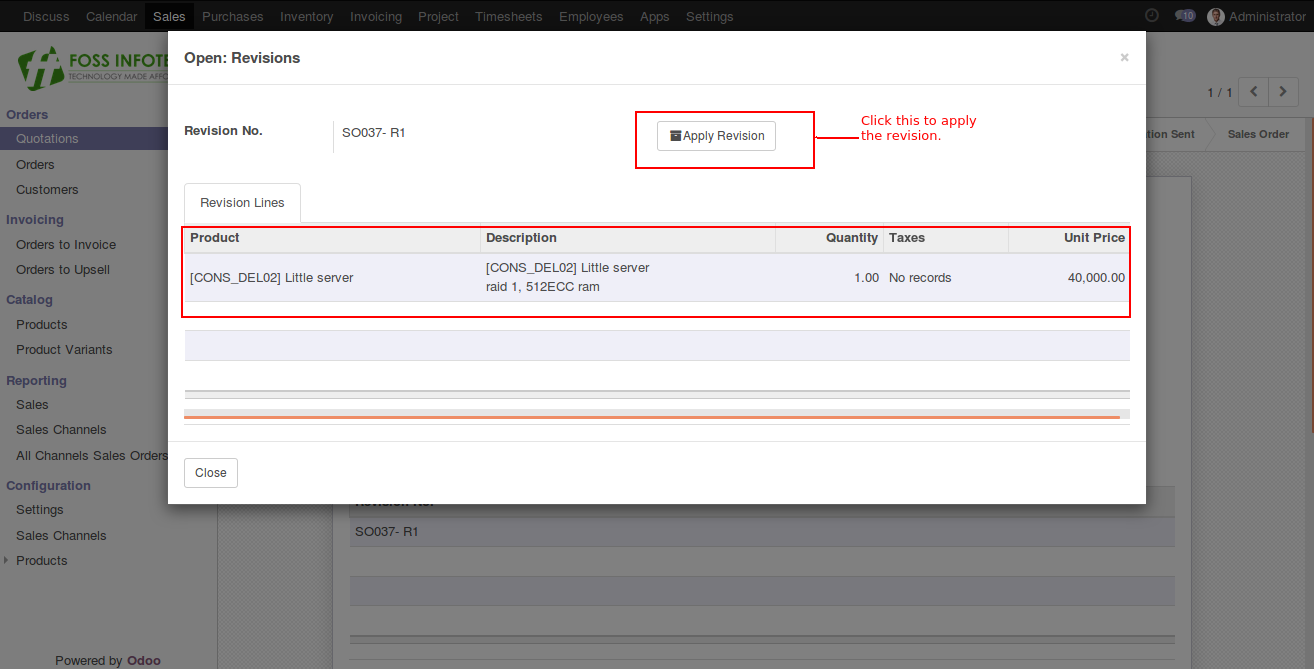
Step 5: To apply the revision to the sale order, click the apply revision button.