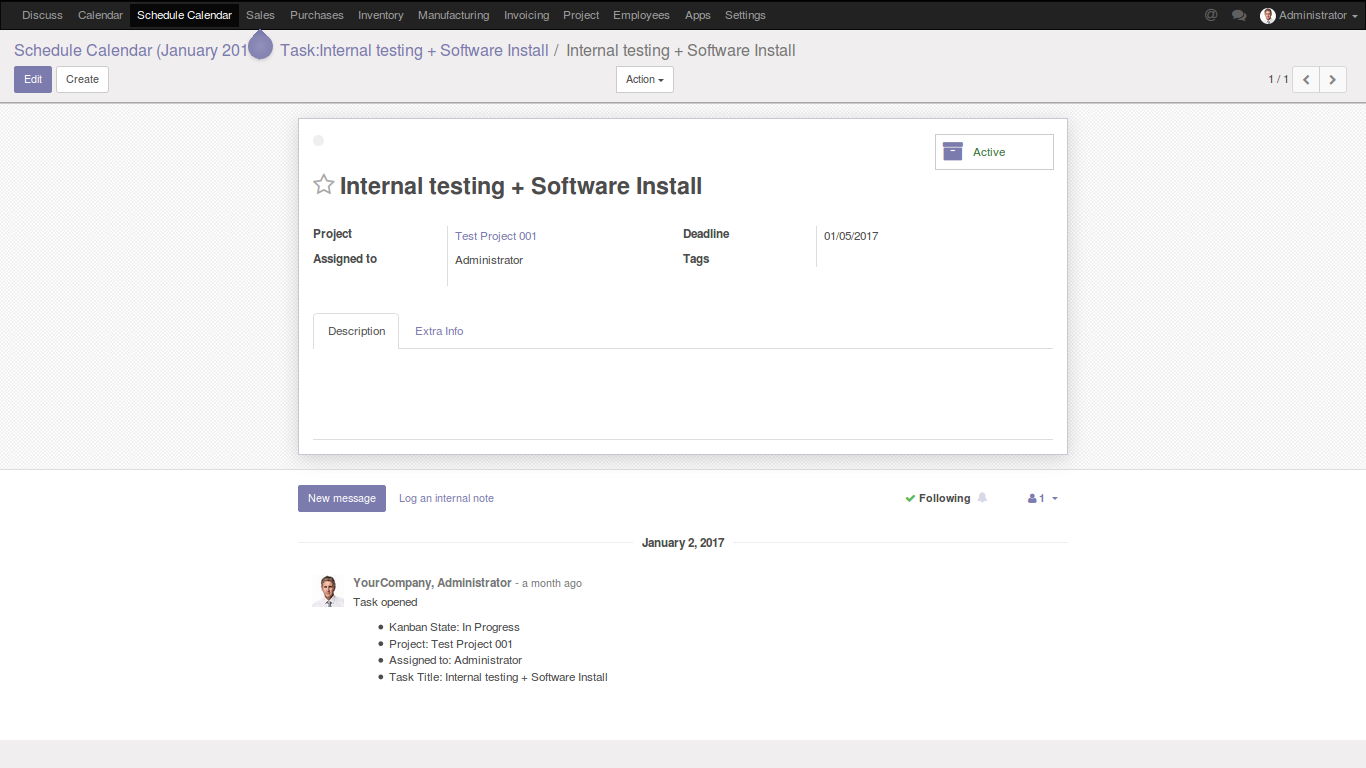

Schedule future events in advance
Step 1: After installing the module go to either task or calendar menu.
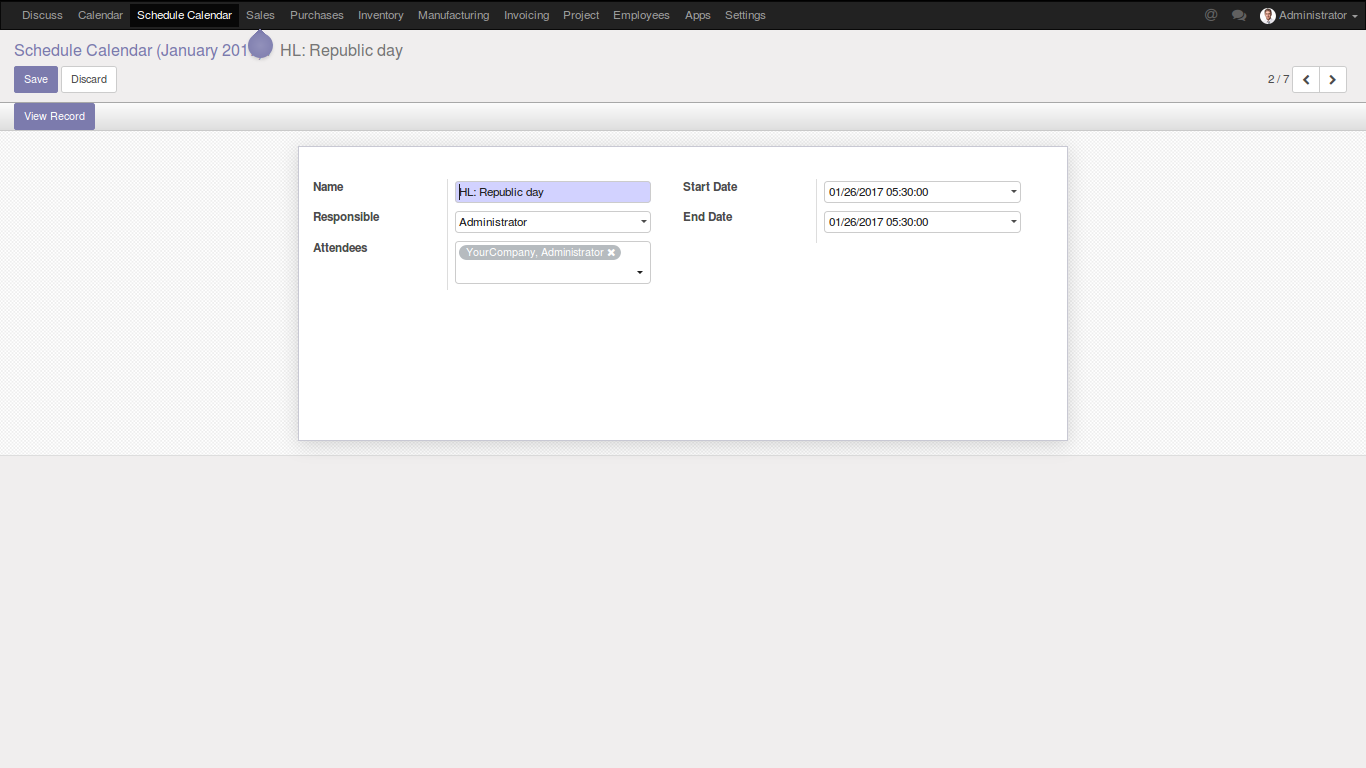
Step 2: While creating a task or meeting, mention the start date and end date to reflect in the schedule calendar to view the duration of the task.
Step 3: After choosing the task duration save the task by clicking save button.
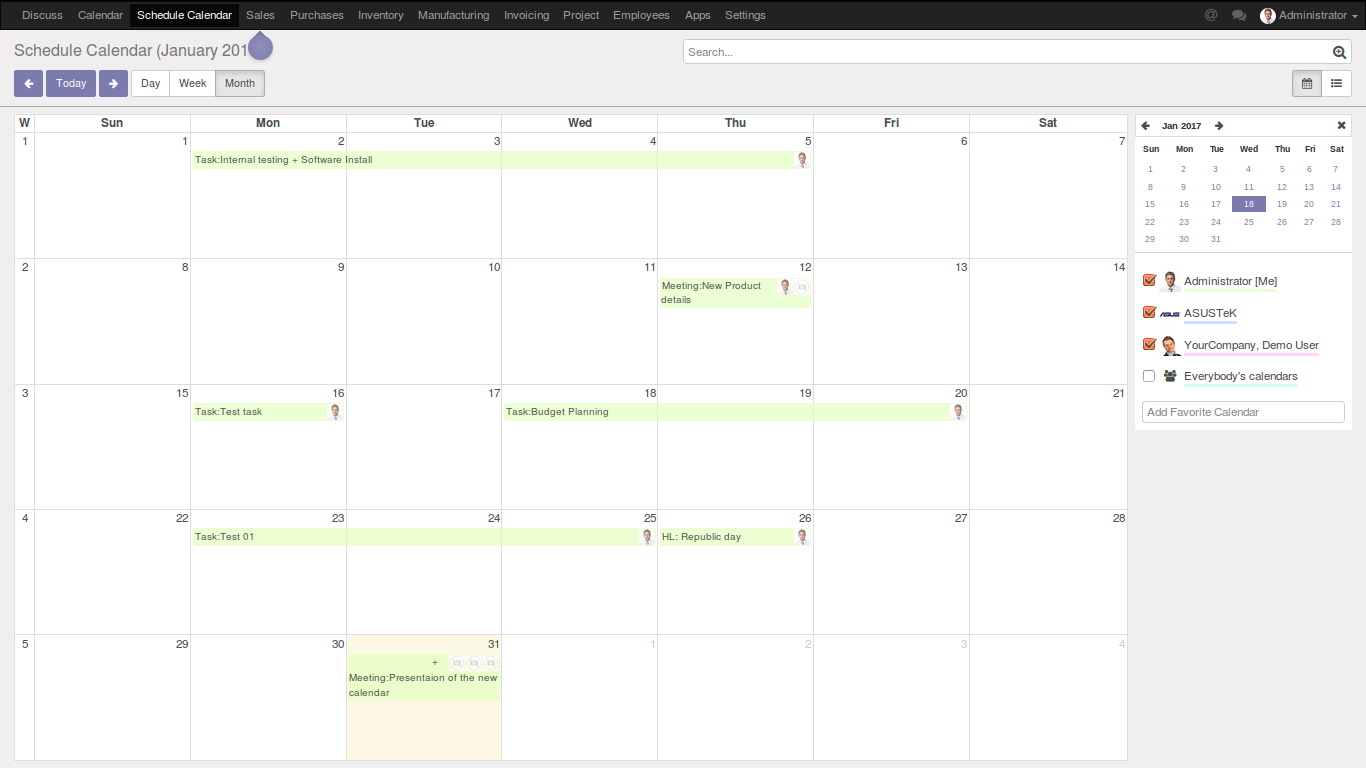
Step 4: You can view the details of the tasks or meetings that are saved with their duration in schedule calendar.
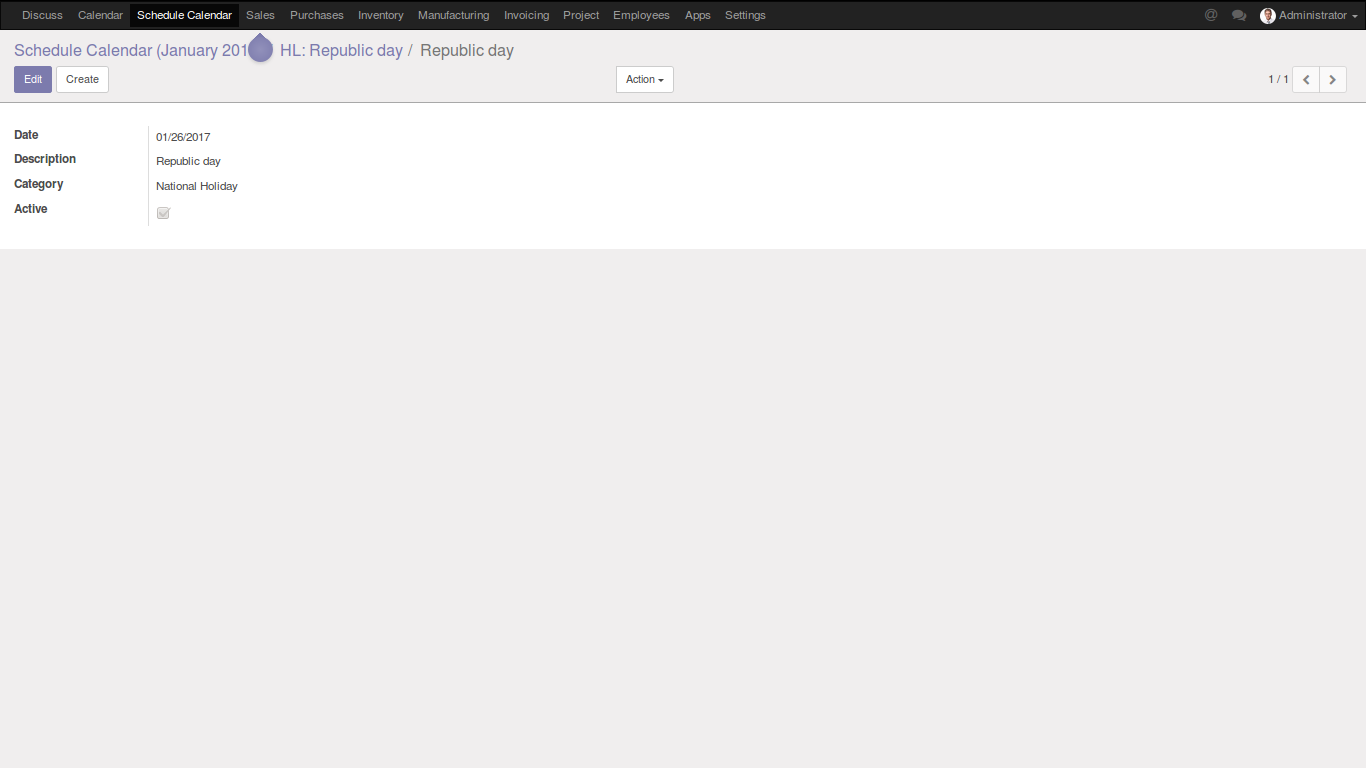
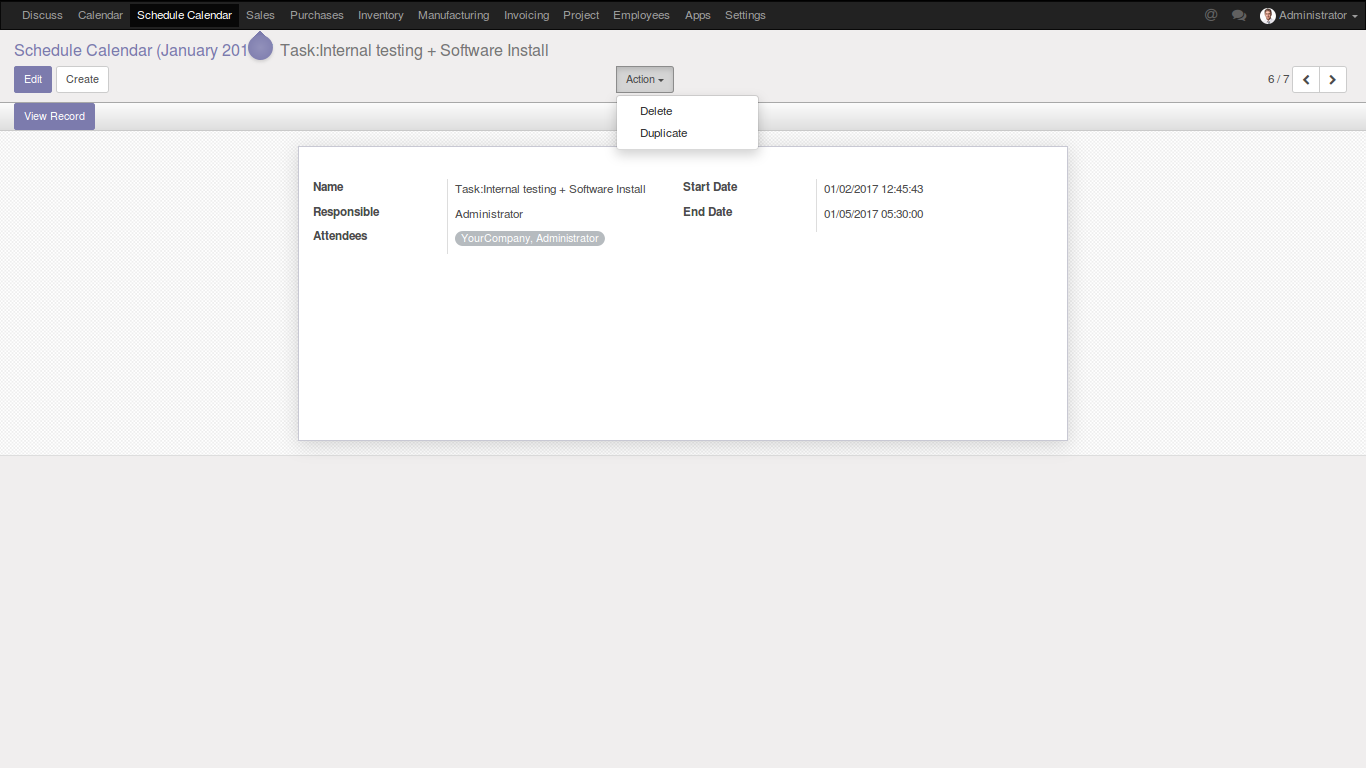
Step 5: By clicking of view record button in schedule calendar, it will be redirected to its corresponding record.
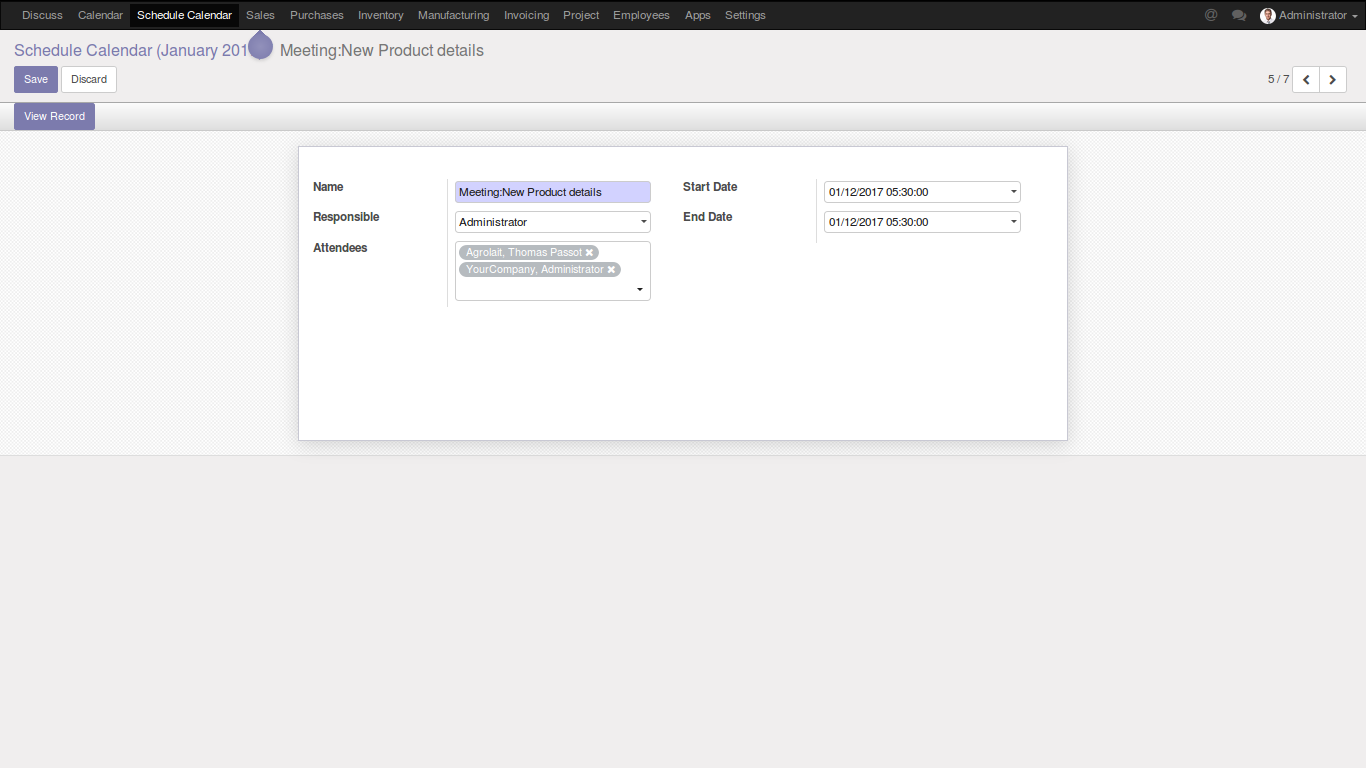
Step 6: If any change to made in the date for a corresponding record, it will also updated to the schedule calendar.
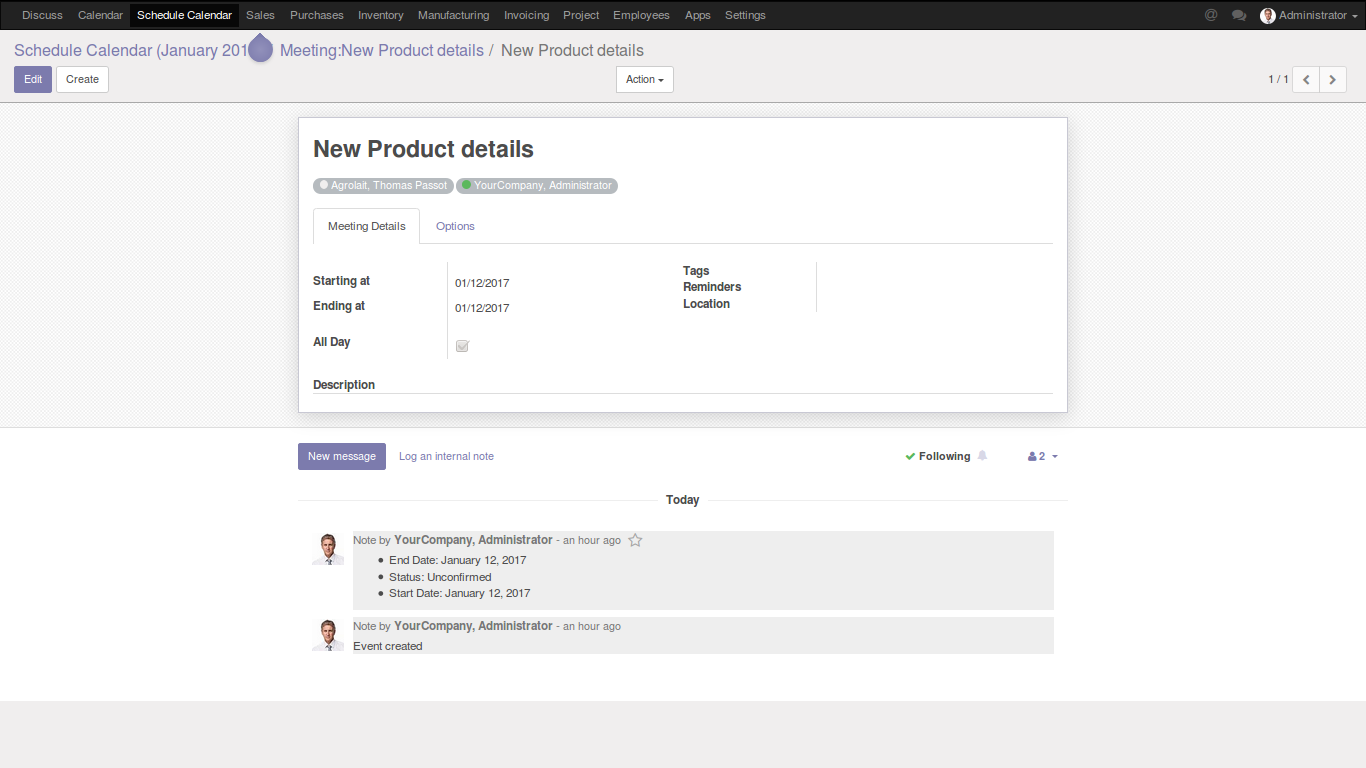
Step 7: If the corresponding record is deleted, the record in the schedule calendar will be deleted.